Seasonal cards, gifts, and family art
Holiday Pet Portraits for Cards, Gifts, and Home Displays
A useful holiday pet portrait should work beyond one decorative template. Begin with a recognizable pet photo, choose a seasonal style that leaves the face and markings visible, and prepare separate crops for cards, social posts, and prints rather than forcing one layout into every format.
Answer first
Start with identity, then choose the format
A useful holiday pet portrait should work beyond one decorative template. Begin with a recognizable pet photo, choose a seasonal style that leaves the face and markings visible, and prepare separate crops for cards, social posts, and prints rather than forcing one layout into every format.
- Create the portrait before adding greetings, dates, or family names.
- Keep a clean version that can be reused for another layout.
- Check card and envelope dimensions before finalizing the crop.
- Use a delivery deadline that leaves time for a printer proof.
Real DreamPets templates
Compare the pet, not only the background
These examples use template media already available in the DreamPets catalog. Open a linked template in the studio, then judge the generated result against your own source photo.

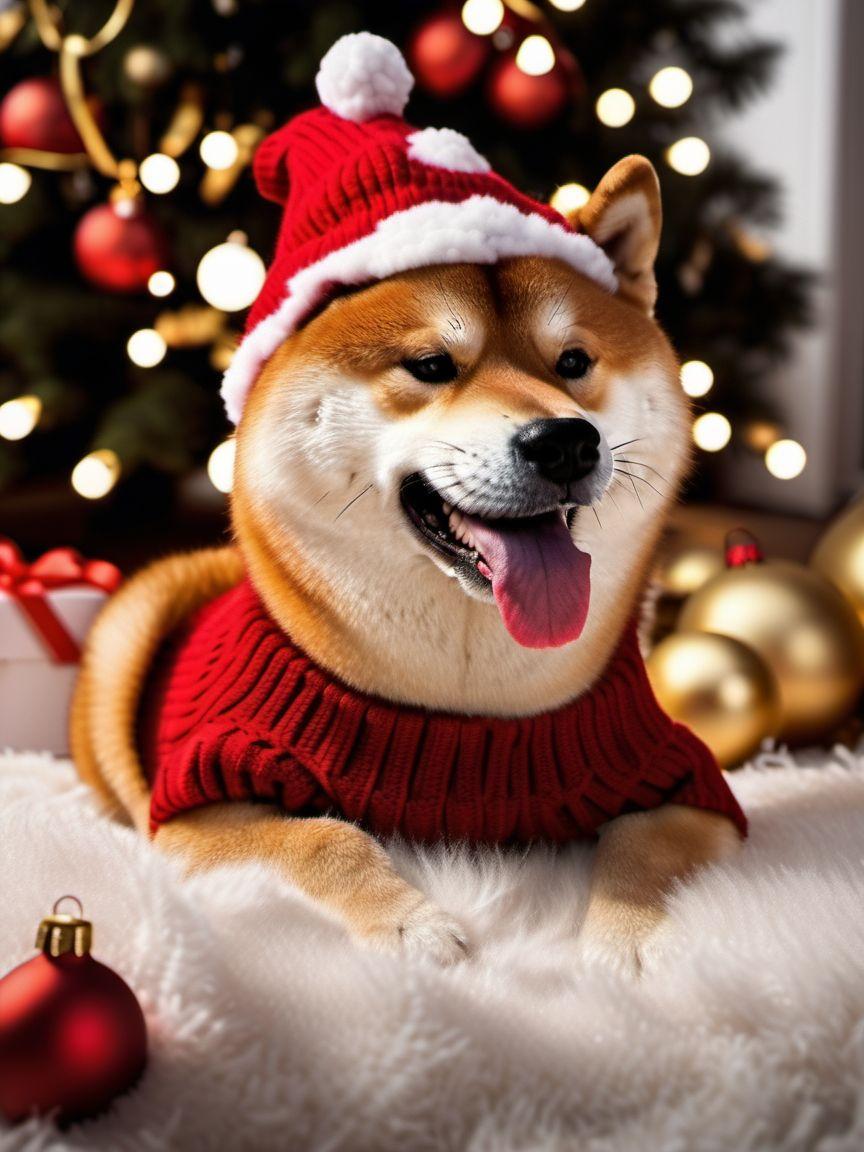
Classic Christmas Portrait
A direct seasonal portrait for greeting cards and family photo displays.
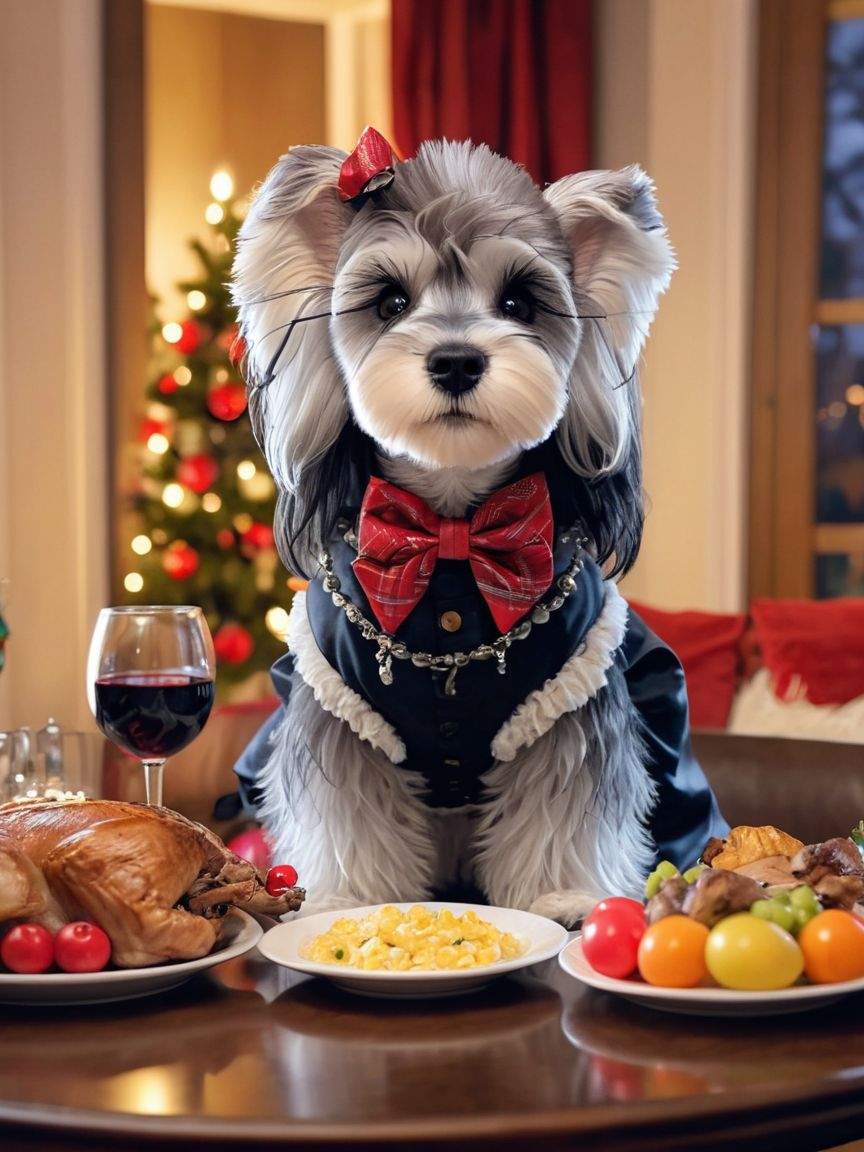
Warm Indoor Holiday Scene
A warmer composition for cards where the pet should feel part of a home setting.
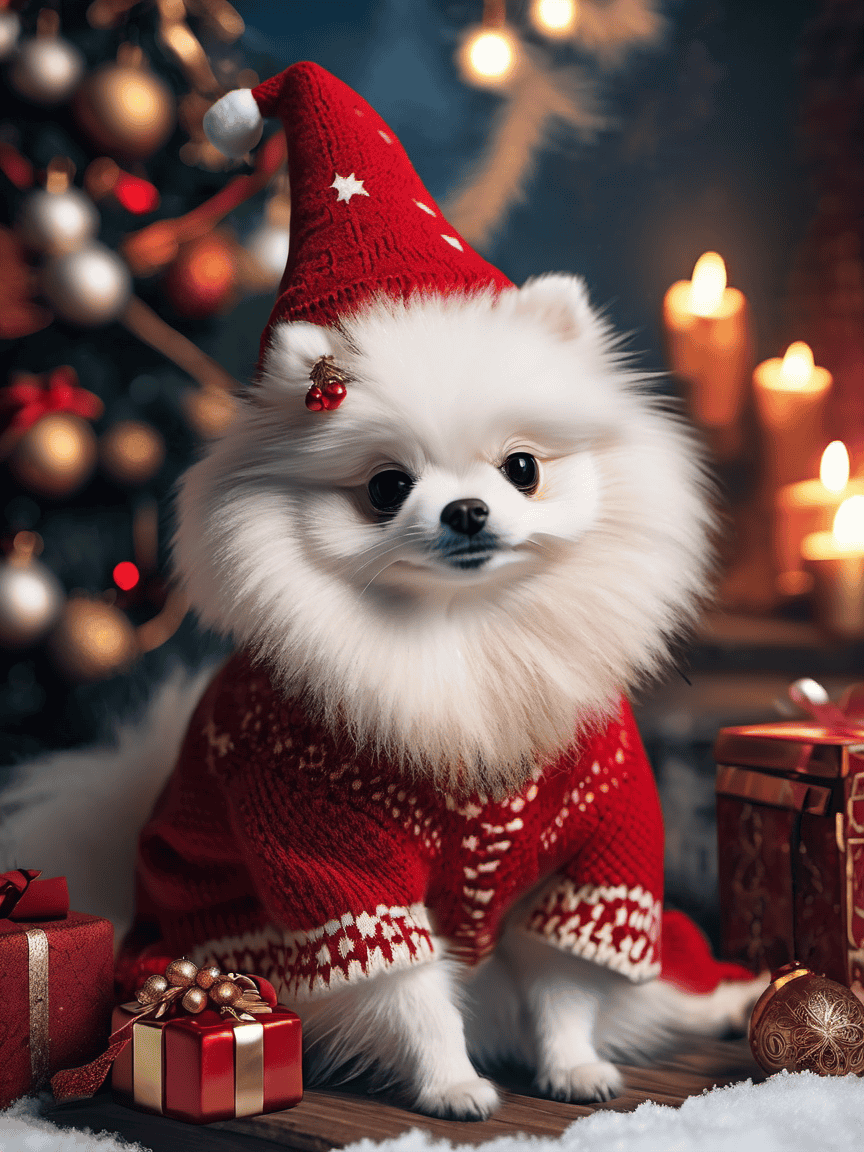
Festive Tree Portrait
A bright card-ready scene with clear seasonal context and a centered subject.

Winter Storybook Style
A softer winter option when the recipient prefers illustration over costume photography.
Buyer framework
Plan the portrait around the final holiday format
Holiday images often need text, multiple copies, or several aspect ratios. Deciding the output early prevents a strong portrait from being damaged by a last-minute crop.
- Making a printed card?
- RecommendationLeave negative space for the greeting
- WhyText is easier to place when the pet is not already filling every edge of the image.
- Posting on social media?
- RecommendationCreate a separate mobile crop
- WhyA card layout may become unreadable in a square or vertical feed.
- Giving a framed holiday gift?
- RecommendationChoose a style that works after the season
- WhyA subtle winter or painted portrait may stay on display longer than a heavily branded greeting card.
- Including several pets?
- RecommendationVerify multi-pet behavior before ordering
- WhySeparate source photos and a deliberate layout may provide more control than a crowded group image.
| Situation | Recommendation | Why |
|---|---|---|
| Making a printed card? | Leave negative space for the greeting | Text is easier to place when the pet is not already filling every edge of the image. |
| Posting on social media? | Create a separate mobile crop | A card layout may become unreadable in a square or vertical feed. |
| Giving a framed holiday gift? | Choose a style that works after the season | A subtle winter or painted portrait may stay on display longer than a heavily branded greeting card. |
| Including several pets? | Verify multi-pet behavior before ordering | Separate source photos and a deliberate layout may provide more control than a crowded group image. |
Execution sequence
A photo-to-keepsake workflow you can repeat
Choose a photo with clean subject separation
Dark fur against a dark room or white fur against a bright window can disappear when seasonal backgrounds are added.
Generate a clean seasonal master
Create the portrait without names or greetings first. This gives you a reusable image for cards, wallpapers, and prints.
Create destination-specific copies
Prepare one version for the card printer, another for social media, and another for a digital archive. Do not repeatedly overwrite the master.
Proof the physical result
Confirm the safe area, trim line, color, and envelope orientation before ordering a full batch.
Before ordering or sharing
Final production checklist
- Confirm names, dates, and greeting text before export.
- Keep important facial features away from trim and fold lines.
- Review the image at both phone size and intended print size.
- Order early enough to correct a crop or color problem.
- Save a clean version without seasonal text.
Common misconceptions
What generic gift advice often gets wrong
One crop works for cards, stories, and framed prints
Each destination uses a different shape. Make separate versions from the same clean master portrait.
Seasonal decoration can fix a weak source photo
A background cannot restore missing eye, ear, or coat details. Improve the source photo first.
Holiday text should be generated inside the portrait
Adding text afterward gives better control over spelling, typography, and printer safe areas.
Frequently asked questions
How do I make a Christmas pet portrait from a photo?
Use a sharp photo with the pet separated from the background, choose a seasonal style, and compare the face and markings with the source before adding greeting text.
Can I use a holiday pet portrait on greeting cards?
Yes, after checking the current product terms and the card printer's file requirements. Leave space for text and keep the pet away from trim or fold lines.
What photo works best for a holiday pet portrait?
Choose a well-lit photo with visible eyes, ears, muzzle, and coat markings. A simple background and clear outline make it easier to add a seasonal scene.
Continue the decision
Related DreamPets guides and tools
Use your own pet photo