
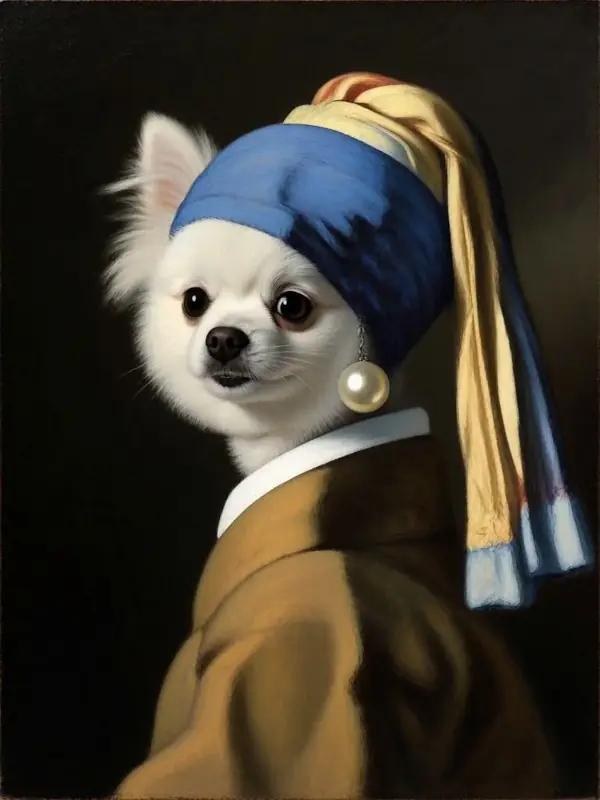
AI pet portraits from one photo
AI pet portraits from one photo
Turn a photo of your dog, cat or hamster into an AI pet portrait: a famous painting, a royal sitting, a holiday card. Then make it move.


The new DreamPets is coming to Android soon.
3 free creations a day on the web · No watermark
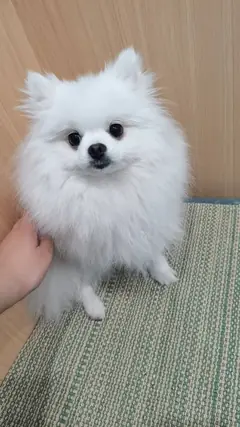 Your photo
Pick their portrait.
Step into a gallery classic.
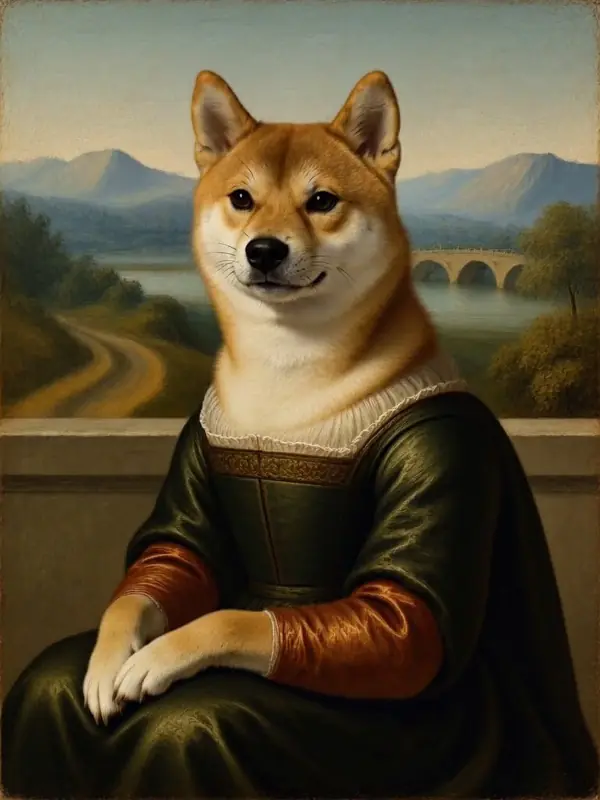
Soft light, folded hands, a faraway landscape.
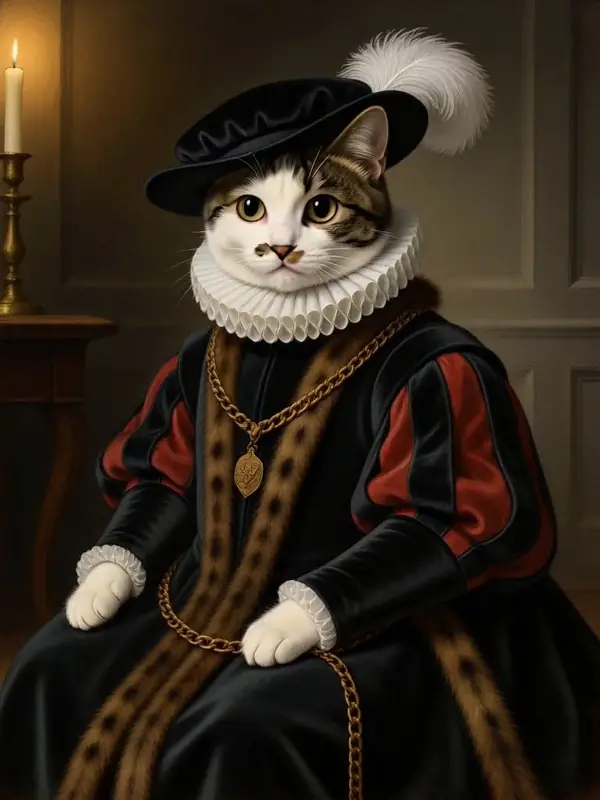
Ruffled collar, plumed hat, dark oil tones.
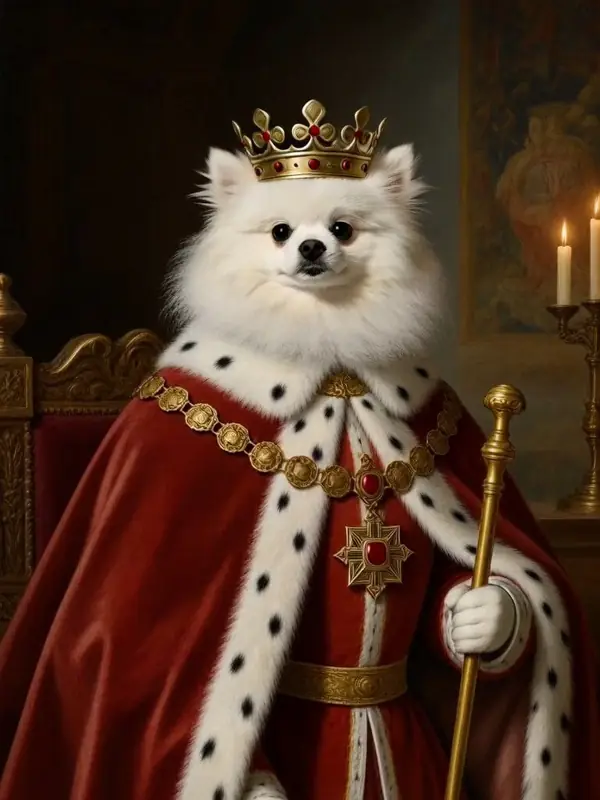
Crown, robe and a well-earned scepter.
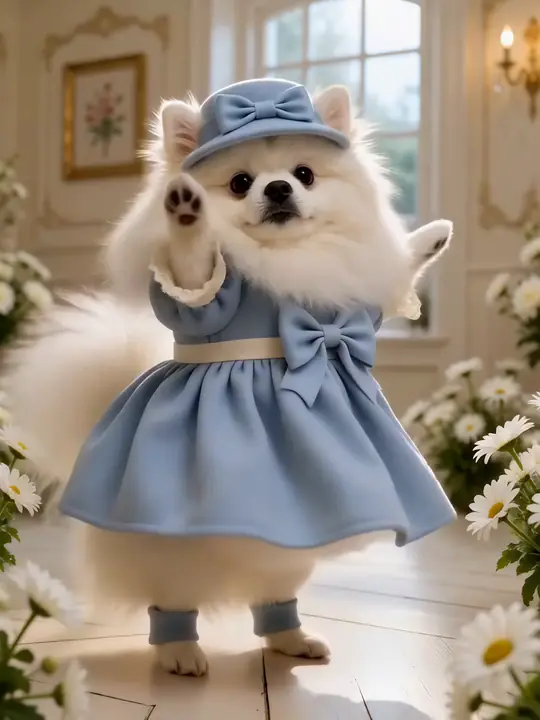
Dressed for the day.
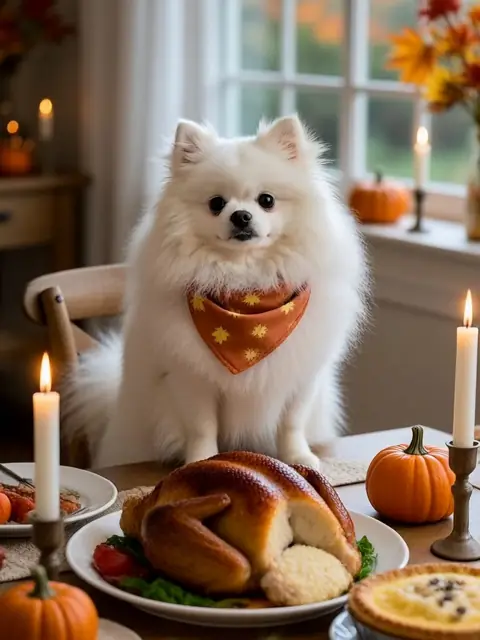
Christmas antlers, a Halloween witch's hat, a red envelope for Lunar New Year, a seat at the Thanksgiving table, and a cake for their birthday.
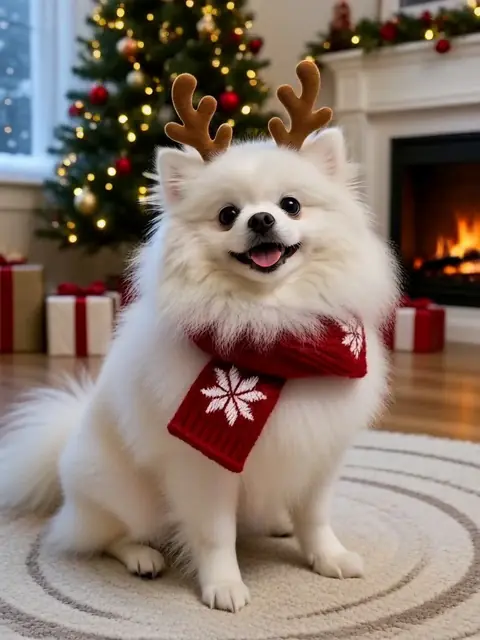
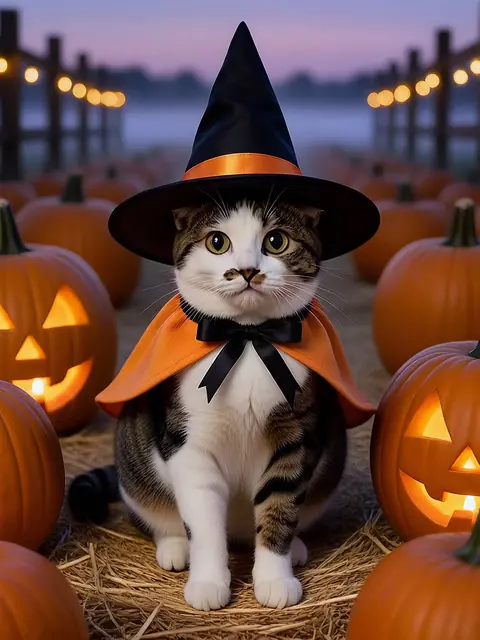
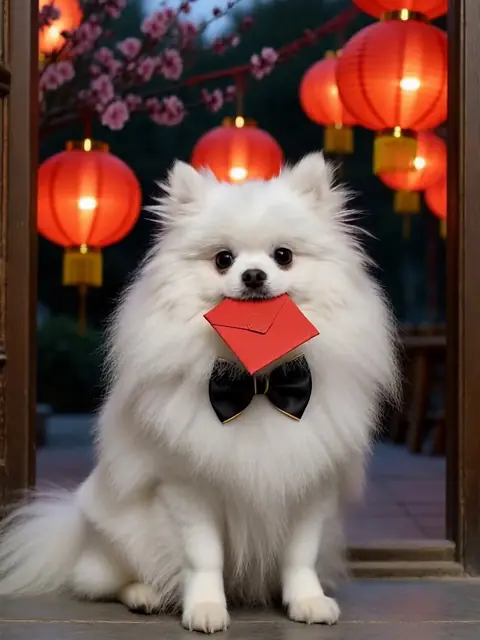
A gift with a familiar face.
Save the portrait and send it to someone who loves them: a friend's birthday, a family chat, a card. DreamPets makes digital images and videos; printing isn't included.
Then bring it to life.
In the app, open a portrait and press Animate. Choose Move for a happy dance or a head tilt, or Talk to give it a voice.
Three steps.
- 01
Sign in with Google
on the web, or open the app.
- 02
Add a photo.
One clear photo, face in view.
- 03
Pick a portrait style.
Download it with no watermark.
Start with a good likeness.
Eye level.
Get down to their height.
Face fully in view.
No hands, toys or leashes across it.
Soft, even light.
Near a window, not in harsh sun.
One pet.
Crop out others.
Their real coat.
No filters, so colors and markings stay true.
Questions about AI pet portraits.
What pets can I make portraits of?
Dogs, cats and small companions such as hamsters.
Does the portrait look like my pet?
Every portrait starts from your pet's own photo. Results can vary from one creation to the next. A clear, well-lit photo helps most.
Can I download it in HD?
Yes. In the app, free users unlock HD with a short ad; with DreamPets PRO it's ad-free. On the web, downloads have no watermark.
Can I print it?
DreamPets makes digital images. You can save the file and print it yourself; printing and delivery aren't part of DreamPets.
Can I make a portrait of a pet who has passed away?
Yes. In the app you can set their status to Passed away. DreamPets then leans toward quieter, everyday creations and keeps birthdays low-key, and the full style list is still there when you want it.
Is it free?
On the web you get 3 free creations a day with a Google account. Styles marked PRO need DreamPets PRO, which you can get in the app.