
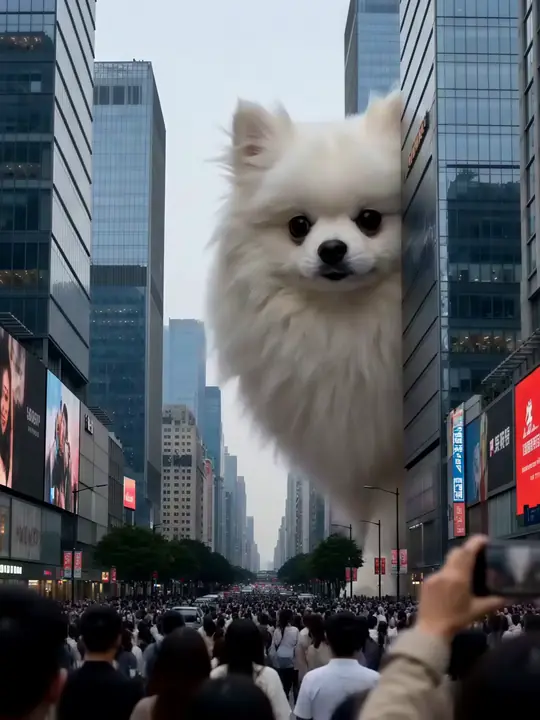
Turn a pet photo into a video
Turn a pet photo into a video
Add one photo of your dog, cat or hamster. Pick a dance, a role or a place. DreamPets makes a short video starring them.


The new DreamPets is coming to Android soon.
3 free creations a day on the web · Sign in with Google · No watermark
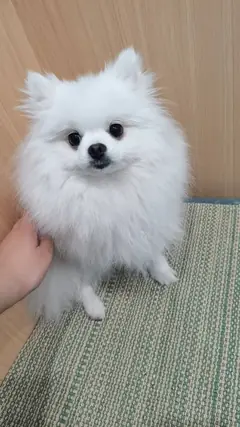 Your photo
One photo, many videos.
In the app, new videos also arrive in your Feed, and some come as a story told one episode at a time.
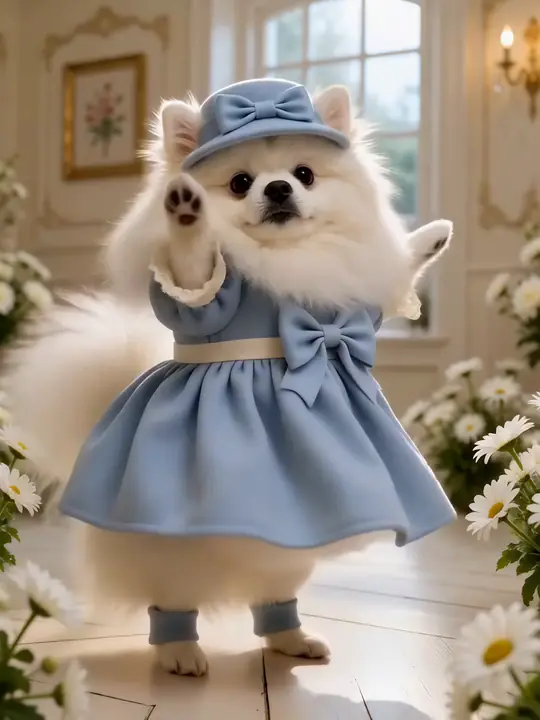
A happy dance, a head tilt, a paw shake.
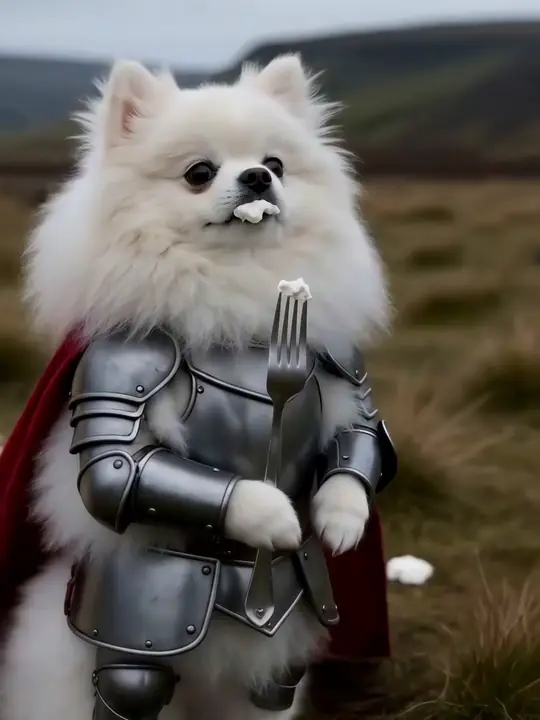
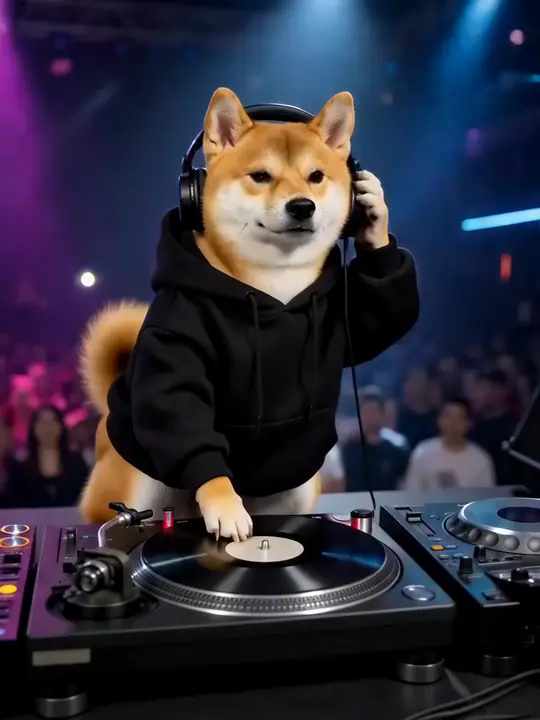
Knight, DJ, chef, detective.
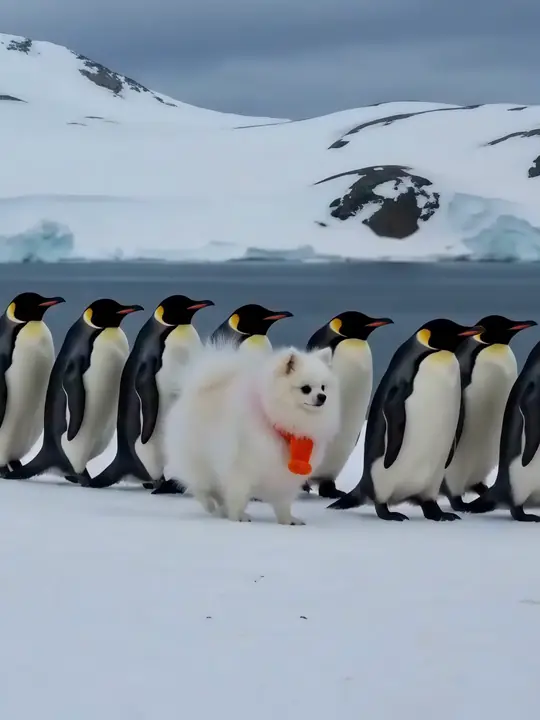
March with penguins or take a gondola through Venice.
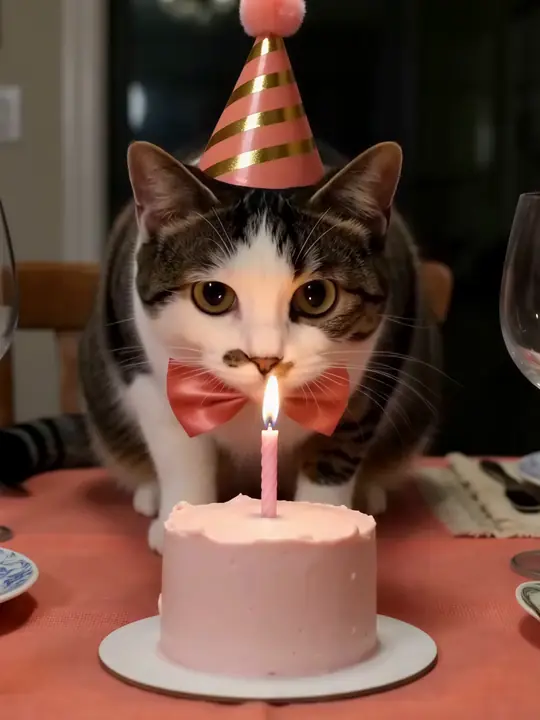
Christmas, Halloween, Lunar New Year and their big day.
Already have a favorite? Animate it.
In the app, open a photo creation, such as a portrait, and press Animate. Choose Move to make them dance, shake paws or tilt their head, or Talk to give them a voice. Free with a short ad each time, or without ads in PRO.
Make one in your browser.
- 01
Sign in with Google.
Your creations are saved to your account.
- 02
Add a photo.
One clear photo of your pet.
- 03
Pick a video style.
It can take a few minutes. You can leave the page; it will be waiting in My creations.
Free accounts get 3 creations a day, reset at 00:00 UTC. Styles marked PRO need DreamPets PRO.
Start creatingPick the right photo.
One pet in the frame.
Crop out other animals and people.
Face in view.
Eyes and nose visible, not turned away.
Good light.
Daylight from a window works well.
Sharp, not blurry.
Wait for a still moment.
No filters, stickers or watermarks.
Use the original photo.
Body in view for dances.
A photo where you can see their whole body works best.
What you can do where.
| App | Web | |
|---|---|---|
| Single video and photo styles | Included | Included |
| No watermark | Included | Included |
| Daily photos, videos and story episodes | Included | In the app only |
| Animate a photo creation | Included | In the app only |
| Talking videos with your own lines (PRO) | Included | In the app only |
| Several pets in one video (PRO) | Included | In the app only |
| Pet Translator, memes, stickers, wallpapers | Included | In the app only |
Questions about AI pet videos.
How long is each video?
It depends on the style. Each video style shows its length before you make it.
How long does it take?
It can take a few minutes. You can close the page; your video will be in My creations.
Will it look like my pet?
DreamPets makes every video from your pet's photo, so it starts from their real face and coat. Results can vary from one creation to the next. A clear, well-lit photo helps.
Can I post it on TikTok or Instagram?
Yes. Download the video and share it anywhere. There's no watermark.
Can I put two pets in one video?
Yes, in the app. DreamPets PRO includes 3 pets, and styles under Dance together and other group styles put them in one video.
Is it free?
On the web you get 3 free creations a day with a Google account. The app is free to download, with free features supported by ads.