
Make your pet talk
Make your pet talk
Turn one photo of your dog or cat into a video where they speak. Pick what they say, or write your own line with PRO.


The new DreamPets is coming to Android soon.
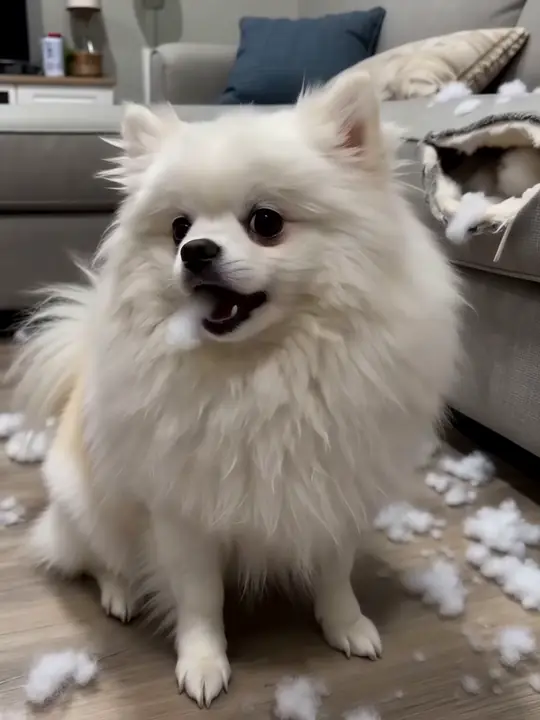
It was like this when I got here.
Three ways to give them a voice.
Ready-made lines to choose from.
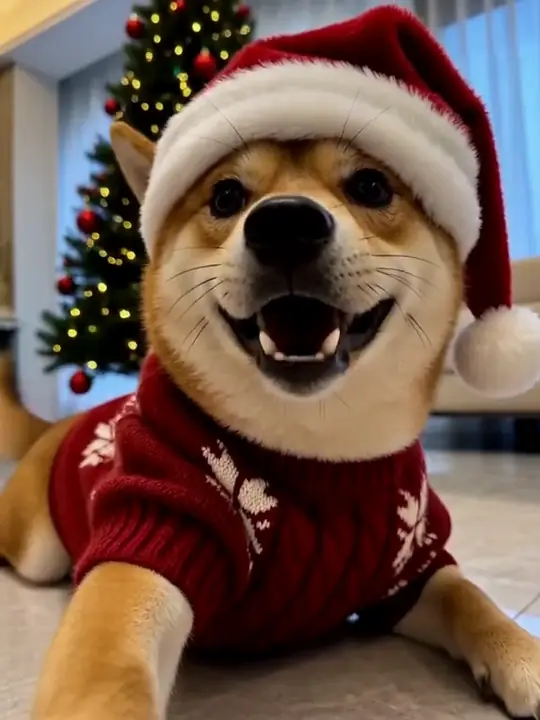
Christmas and other holidays, in their voice.
Type what they should say.
Dinner was 4 minutes late.
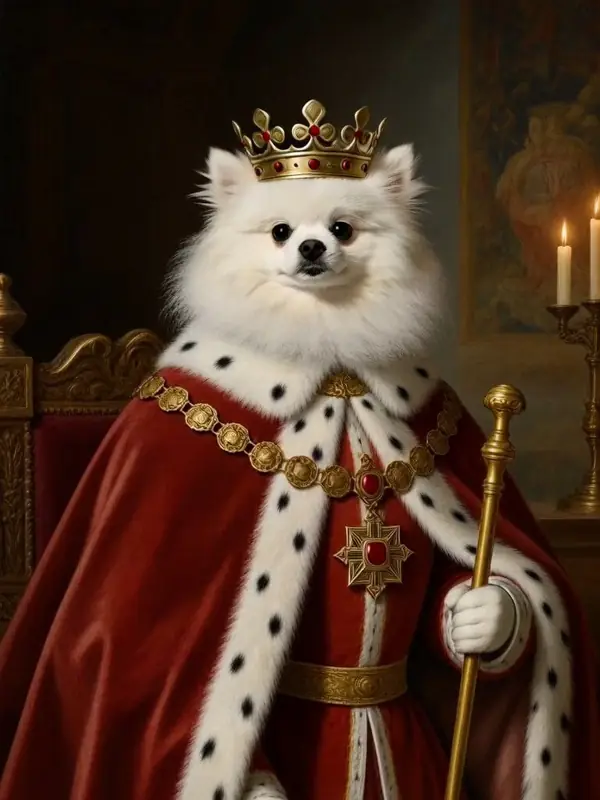
PROMake a portrait talk.
In the app, open a portrait or a holiday photo, press Animate and choose Talk. Your royal portrait can finally give that speech.
How it works.
- 01
Add your pet in the app.
One clear photo, face in view.
- 02
Open Generate › Talk,
or press Animate on a creation you've made.
- 03
Pick a line or write your own.
Save it, or send it to someone who knows that face.
A good face makes a good talker.
Face toward the camera.
Mouth and eyes visible.
Close-up or half body.
The face is what matters here.
Even light.
No strong shadows across the face.
Original photo.
No filters or stickers.
Want it the other way around?
The Pet Translator in the app gives a playful take on your cat's or dog's sounds and expressions.
Just for fun. Not a real translation of animal language.
Questions about talking pet videos.
Which pets can talk?
Dogs and cats. Use a photo where their face is clear and toward the camera.
Can I choose what my pet says?
Yes. Pick a ready-made line, or write your own with DreamPets PRO.
How long is a talking video?
A few seconds: one line, long enough to land the joke.
Can I make one on the web?
Talking videos are made in the DreamPets app.
Can I share it?
Yes. Save it or share it from the app. There's no watermark.