
Turn your pet into WhatsApp stickers
Add one photo of your dog or cat and DreamPets draws it as a cute cartoon sticker. Download it, then in WhatsApp tap the sticker icon, choose Create and pick the picture: WhatsApp cuts it out, ready to send. Free in your browser: your first one needs no sign-up, then 3 a day with Google sign-in, with no watermark.
Stickers made from one photo
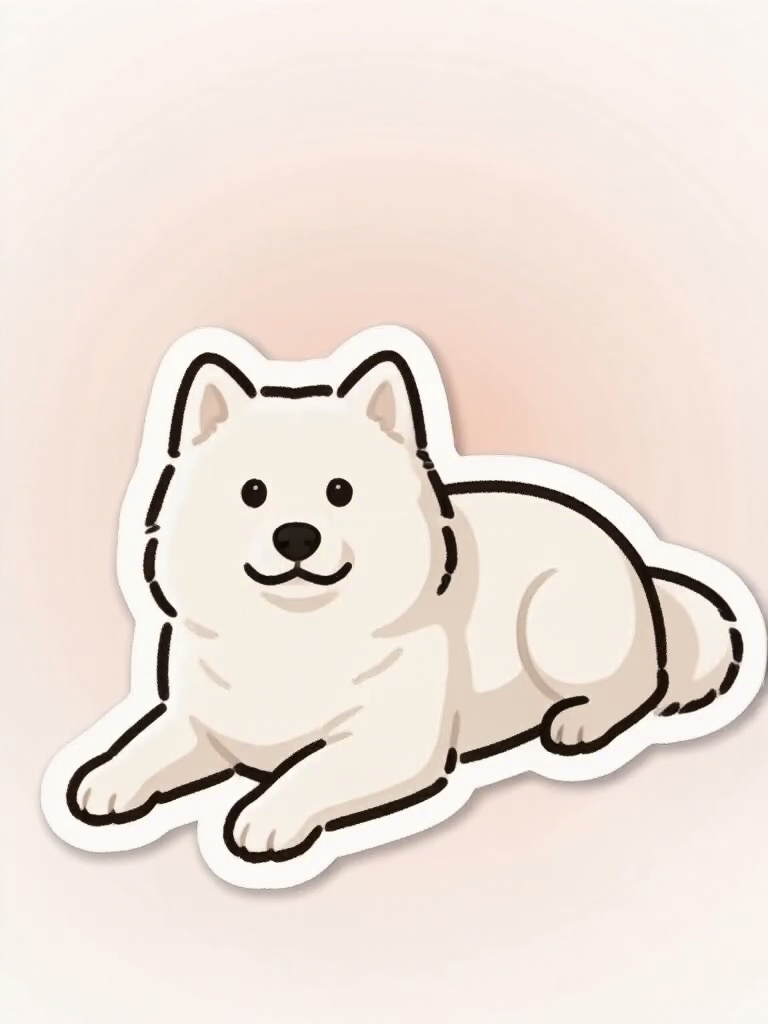
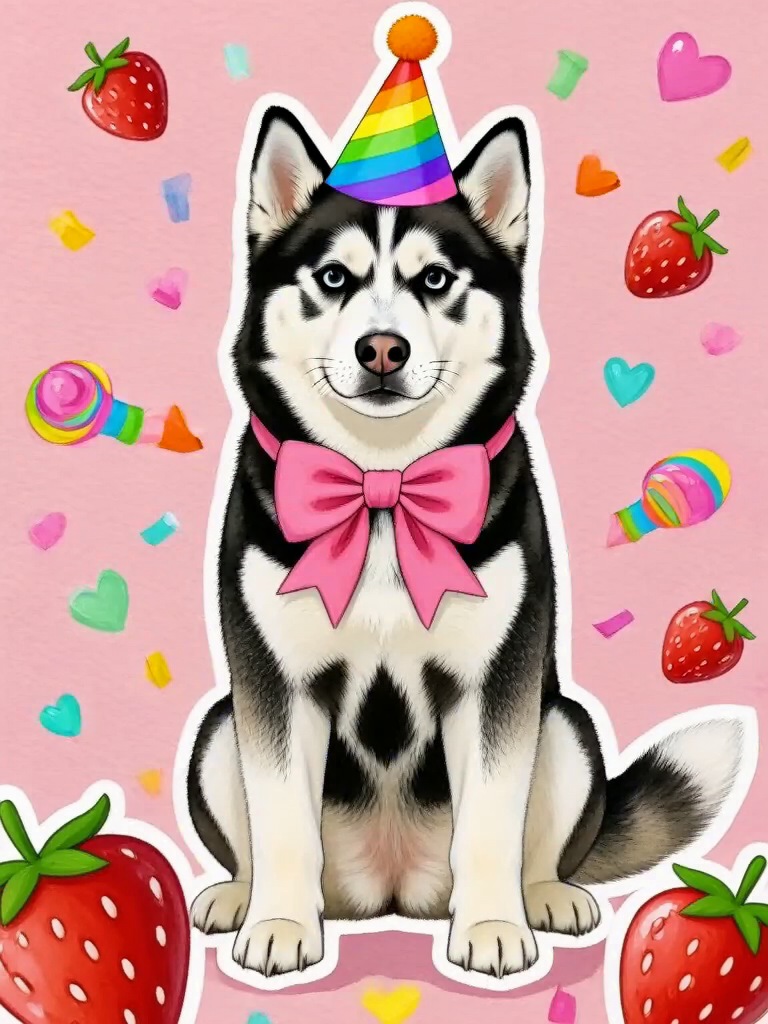
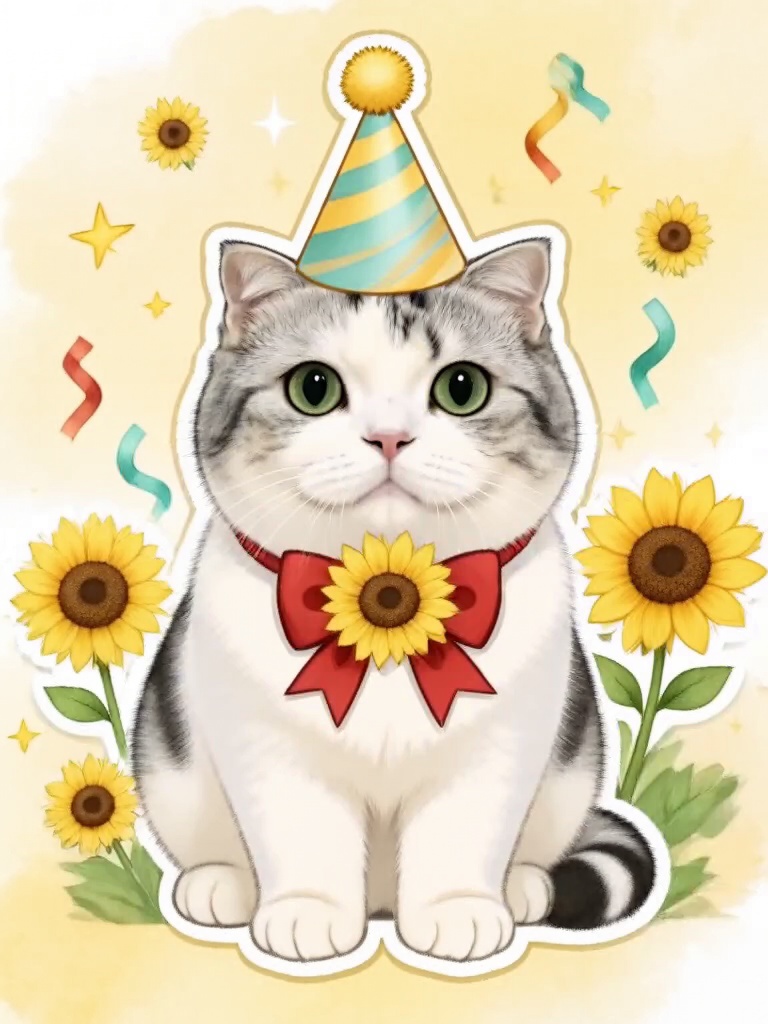
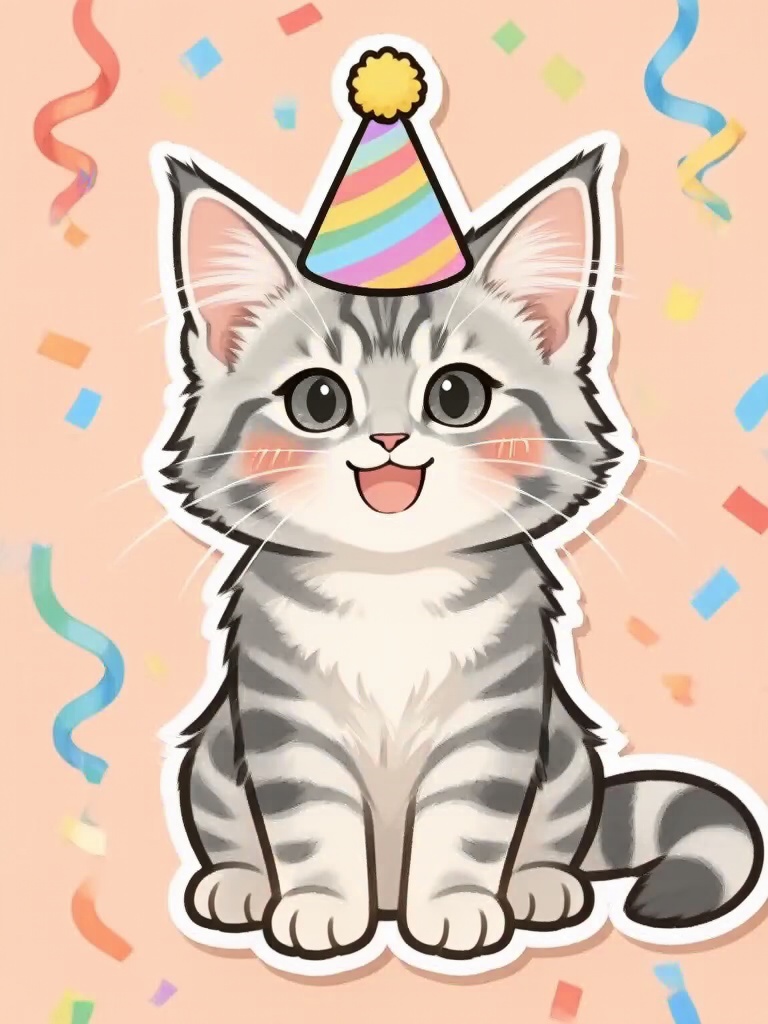
Now make them dance.
Use the same photo to make a dance video with music, like Gangnam Paws or APT Paw Dance. Free, ready in a few minutes.
Make your pet dance- 01
Pick a sticker style.
Styles without a PRO badge are free.
- 02
Add one photo of your pet.
Face in view, one pet per photo.
- 03
Add it in WhatsApp.
In a chat, tap the sticker icon, then Create, and choose the picture you saved.
Photos that make the best stickers
- Face in view, eyes and nose visible.
- One pet per photo.
- Sharp and well lit.
- The original photo, no filters.
Questions about pet stickers for WhatsApp
Is it free?
Yes. Your first one needs no sign-up. After that, sign in with Google to make 3 free creations a day with the free styles, with no watermark.
How do I add it to WhatsApp?
Save the picture. On iPhone or Android, open a chat, tap the sticker icon, then Create, and pick the picture. On WhatsApp Web, click +, then New sticker. WhatsApp cuts out your pet and adds it to your stickers.
Can I make a whole sticker pack for a group chat?
Make a few styles here, one at a time. For a full pack made from your group's photos, try groupchatstickers.com.
Does the DreamPets app make stickers too?
Yes. The app has a Stickers tool, plus memes and wallpapers of your pet.
More stickers in the app
Stickers, memes, wallpapers and a new photo of your pet every day.